View
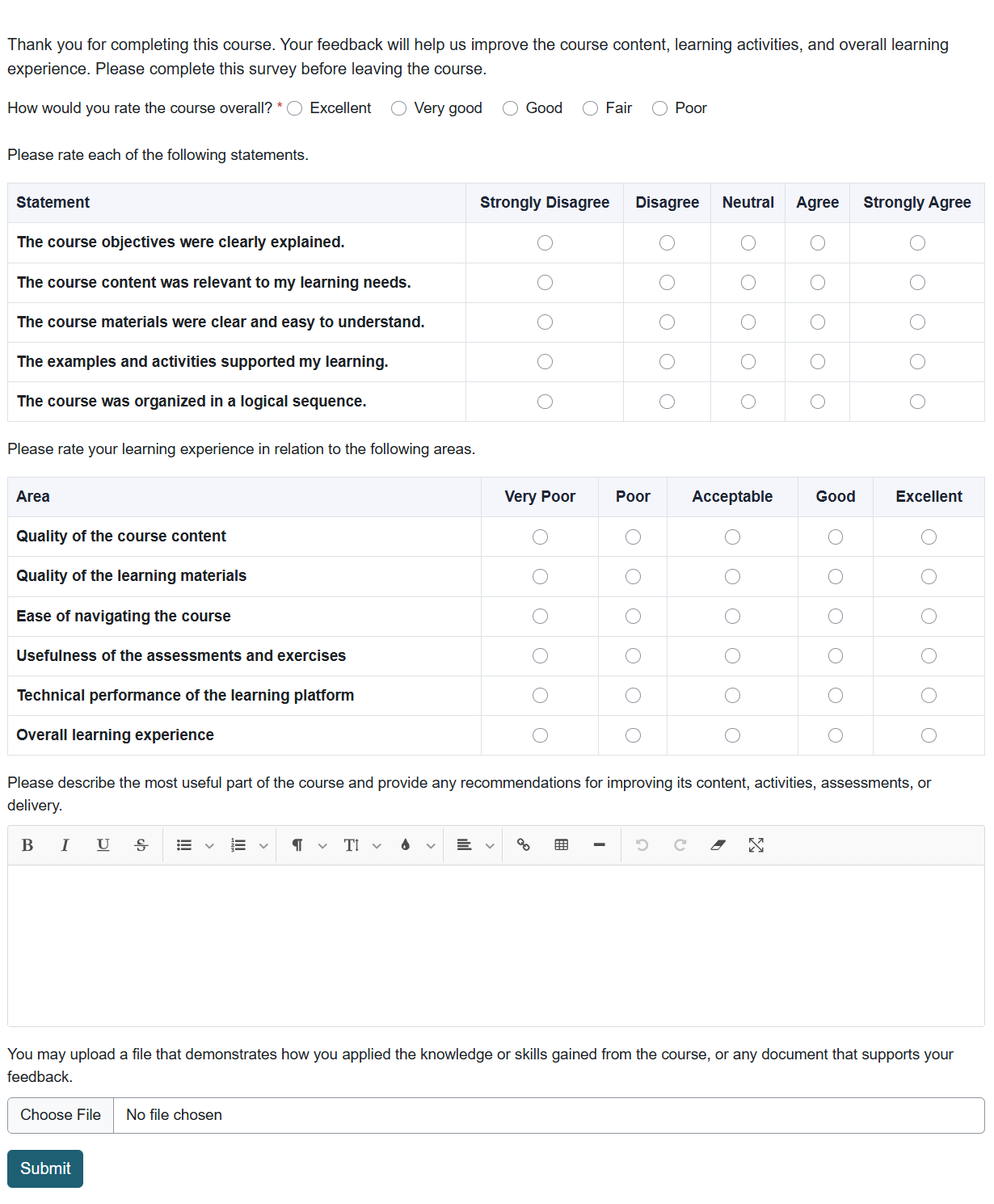
The view form page allows form designers and users to view and complete the form.
It displays the form exactly as it will appear to users, including all fields, instructions, validation requirements, and navigation buttons.
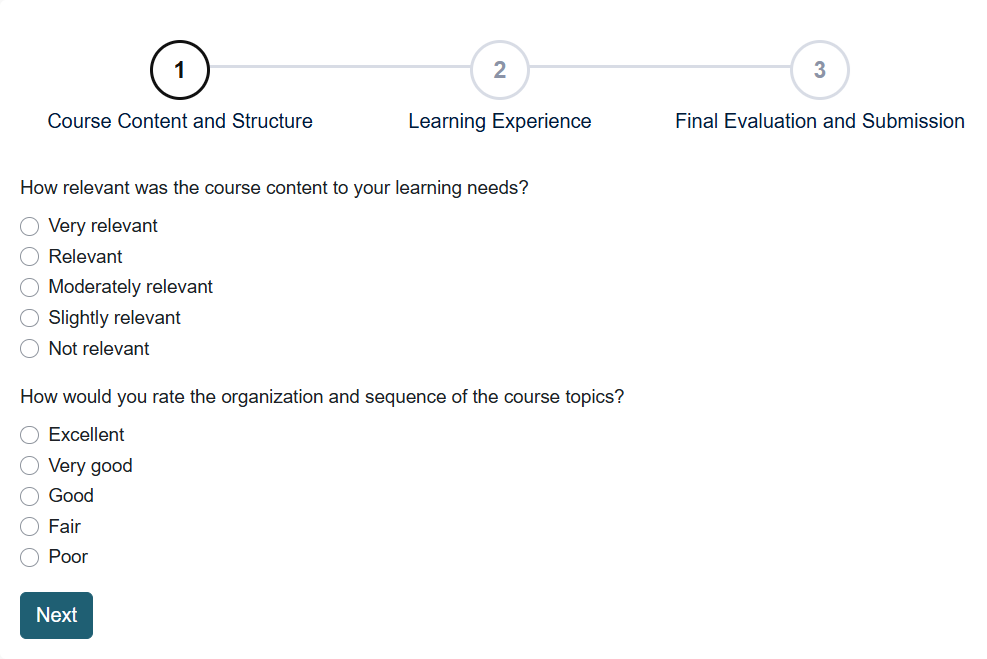
For a multi-page form, each page displays its assigned fields. Users can move between pages using the Next and Previous buttons.
After a user successfully submits the form, the configured thank-you message or redirection action will be displayed.

Was this page helpful?
Please tell us what went wrong.
255 characters remaining
Thanks! Your feedback helps us improve this page.
Please wait a few seconds before trying again.