View
The View page allows authorized users to view their document and download it as a PDF. The activity’s approval and issuing settings determine when the document becomes available.
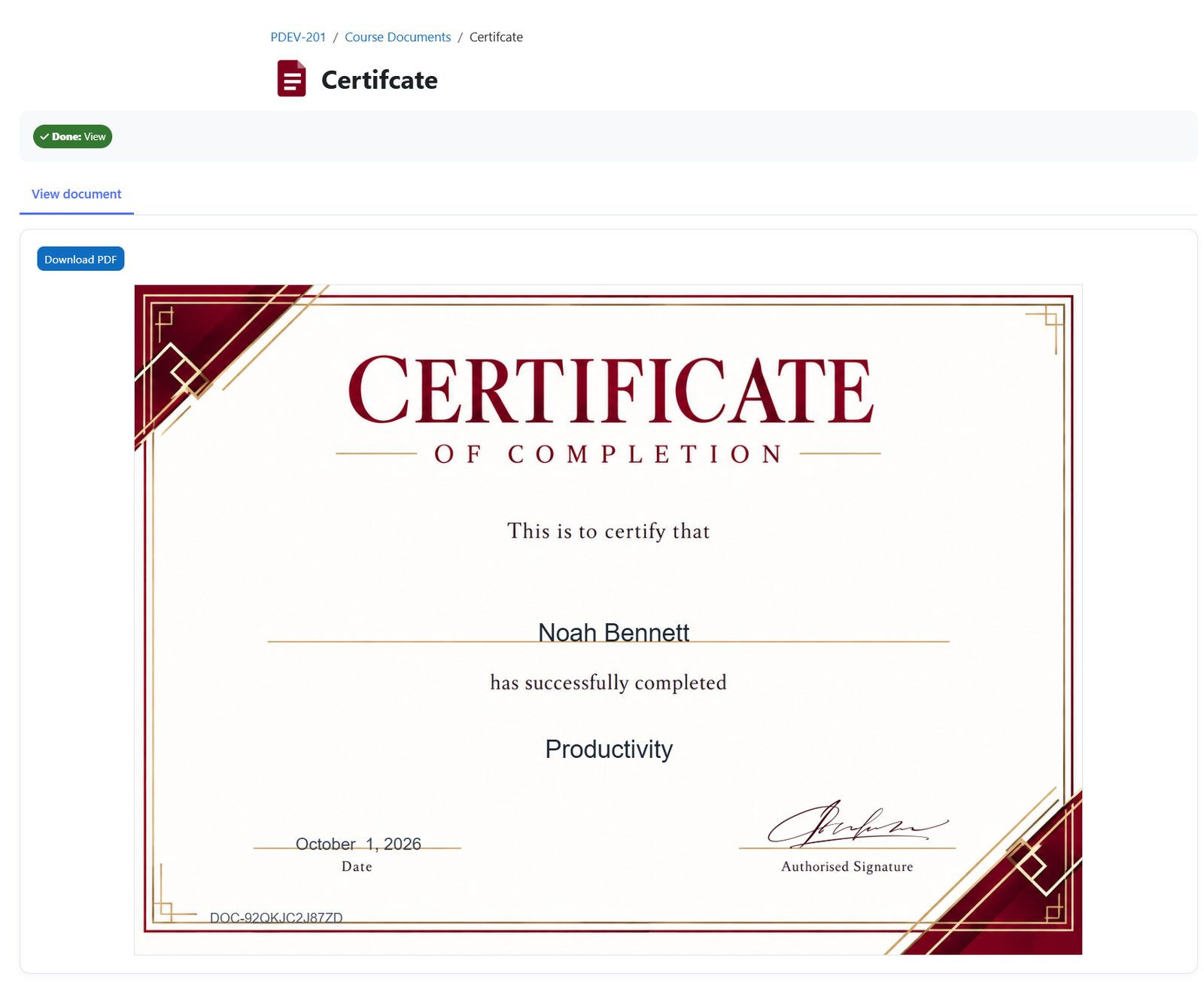
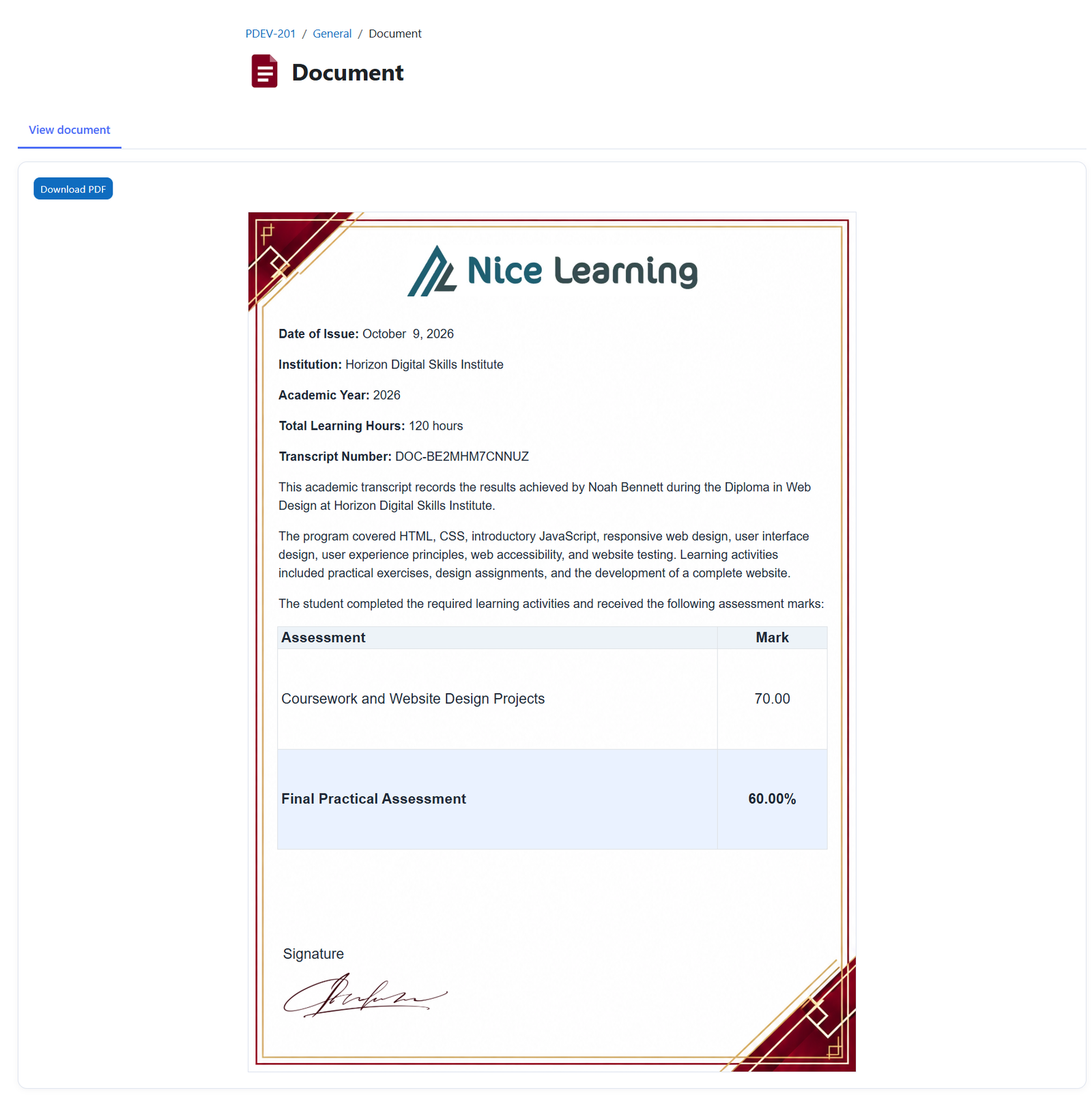
Open or download an issued document
When staff have finalised and issued a fixed PDF, select Open issued document to view it or Download PDF to save a copy. The issued PDF keeps the grades and field values recorded at the time of issue. If staff issue a corrected PDF, the View page opens and downloads the latest revision.
Pending approval. When Require manual approval is enabled and approval is pending, the student sees a message explaining that approval is required. The document and download button remain hidden.
Awaiting issue. When Require staff to finalise and issue is enabled, the student must wait for staff to issue the PDF. If both settings are enabled, staff can issue the document after approval is complete.
Was this page helpful?