Admin Settings
The Admin Settings page allows site administrators to manage the default report configuration. These settings control the default appearance of the Overview section and the default columns shown in the Students table.
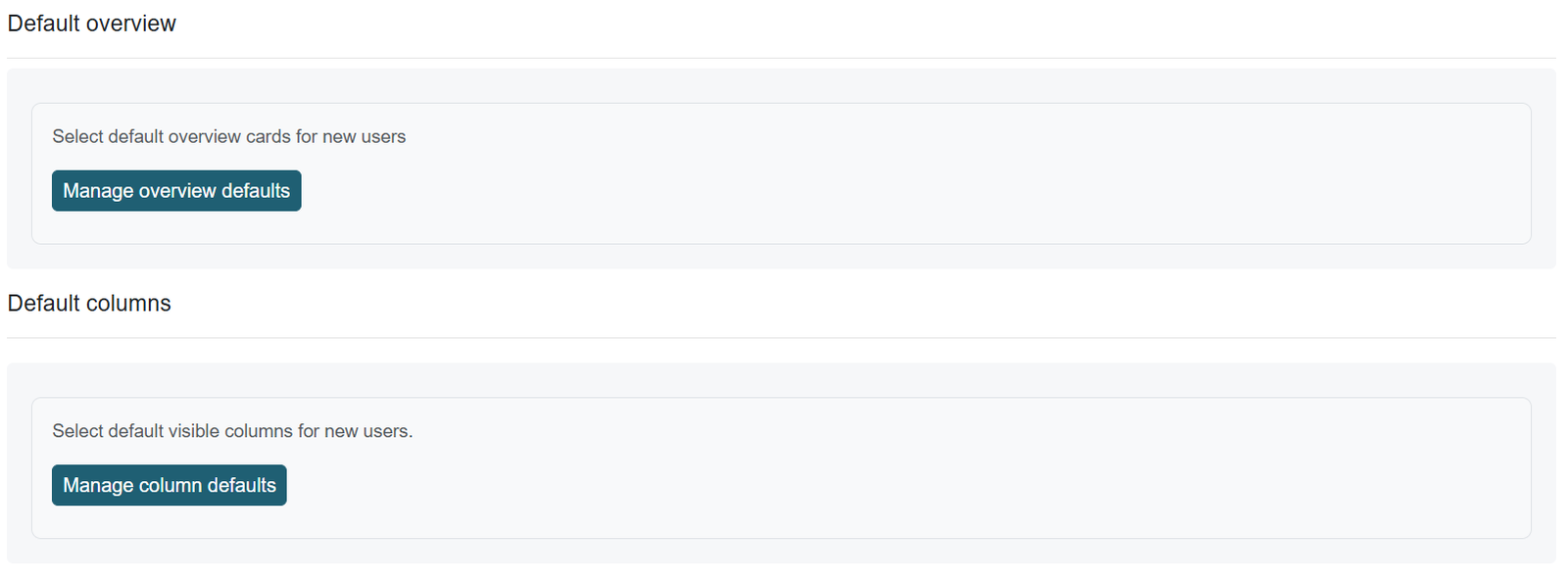
Administrators can access these settings from:
Site administration → Plugins → Reports → Nice Report
Default Overview Appearance
The Default Overview Appearance setting allows administrators to choose which summary cards appear by default in the Overview section.
By default, the Overview section displays:
- Total students
- Total teachers
- Total non-editing teachers
- Total managers
These default settings apply to users who have access to the report. However, users with report access can overwrite the default view based on their own preferences.
Default Student Columns
The Default Student Columns setting allows administrators to manage which columns appear by default in the Students table.
By default, the Students table displays the following columns:
- Email address
- First name
- Last name
- Picture
- Groups
- Completion status
- Progress
- Activity completion status
- Enrolled date
Users who have access to the report can also overwrite the default column view based on their reporting needs.
Purpose
The Admin Settings page helps administrators define a consistent default reporting experience across the site. At the same time, it gives authorized users the flexibility to customize the report view according to their own needs.
Was this page helpful?