Update
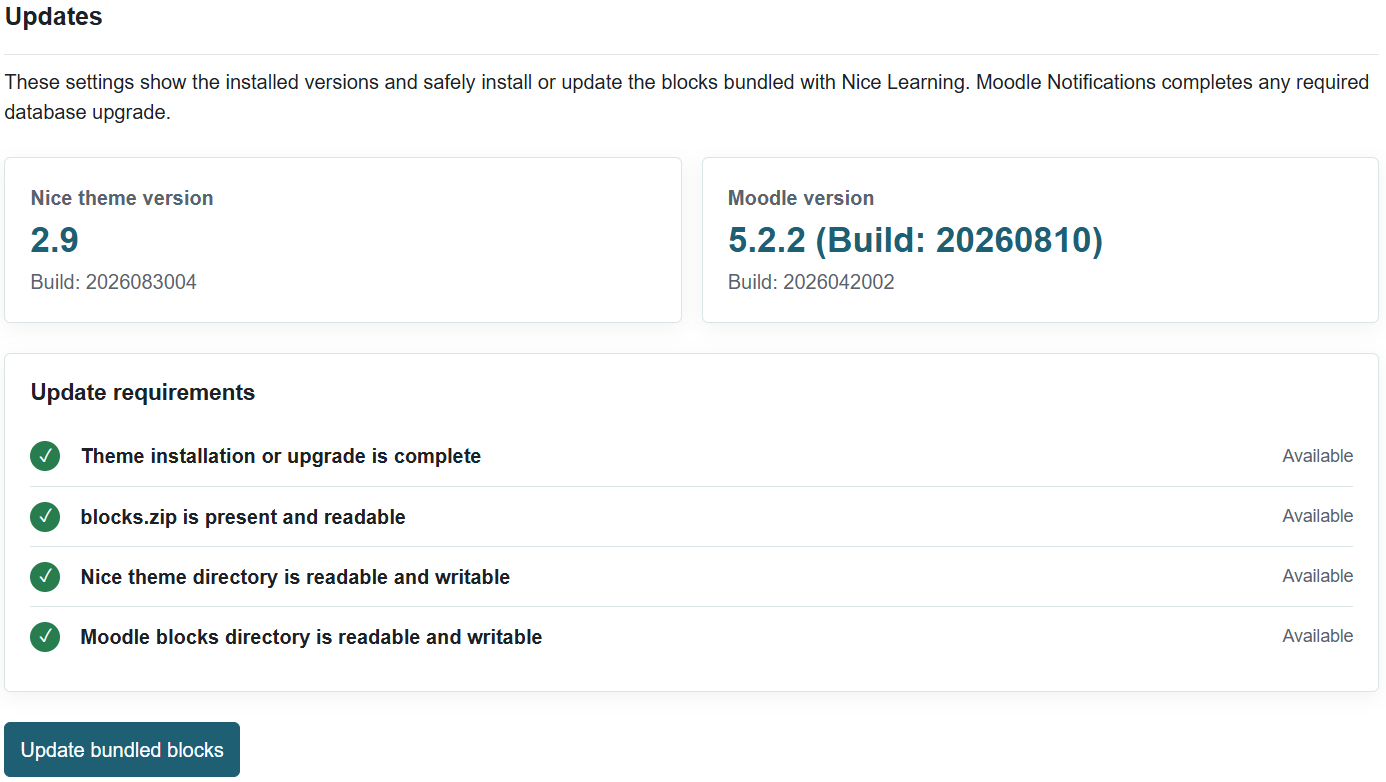
The Update feature is available in the theme settings. It allows you to update all bundled blocks automatically without manually copying or installing them on the server. This is particularly useful because the theme includes more than 45 blocks.
Note: This feature was introduced in version 2.9. Therefore, please ensure that the theme itself is updated to the latest version before using it.
To update the blocks:
- Go to Site administration → Appearance → Themes → Nice → Update.
- Click Update Bundled Blocks.
- Once the update is complete, go to Site administration → Notifications to perform any required database upgrade.
- If no database upgrade appears, this means that all blocks are already up to date.
Before starting, ensure that the following directories are readable and writable by the web server:
moodle/blocksmoodle/theme/nice
The theme will automatically check the permissions of both directories and notify you if either one is not readable or writable.
Was this page helpful?
Please tell us what went wrong.
255 characters remaining
Thanks! Your feedback helps us improve this page.
Please wait a few seconds before trying again.